For Family and Friends
Finding Your Way Around a Family's Library
What each tab means when someone shares their library link with you.

Someone shared their library link with you. There is no account to create and nothing to download: just open the link and browse.
Open the link they sent you, which looks like getfirstchapterco.com/their-family.
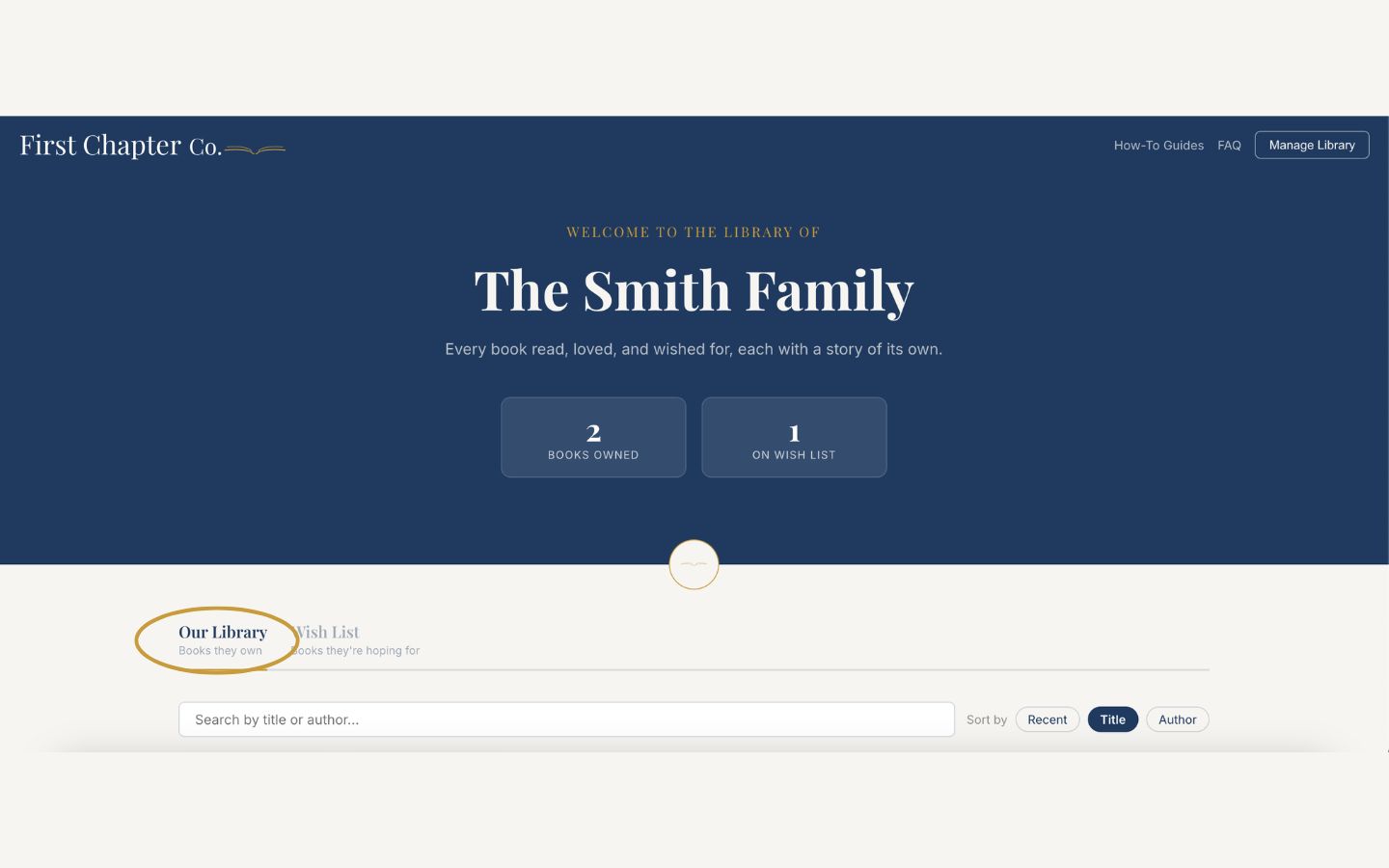
The "Our Library" tab shows the books they own. Check here before buying so you do not duplicate something.
The "Wish List" tab shows the books they are hoping for. This is the best place to shop from.
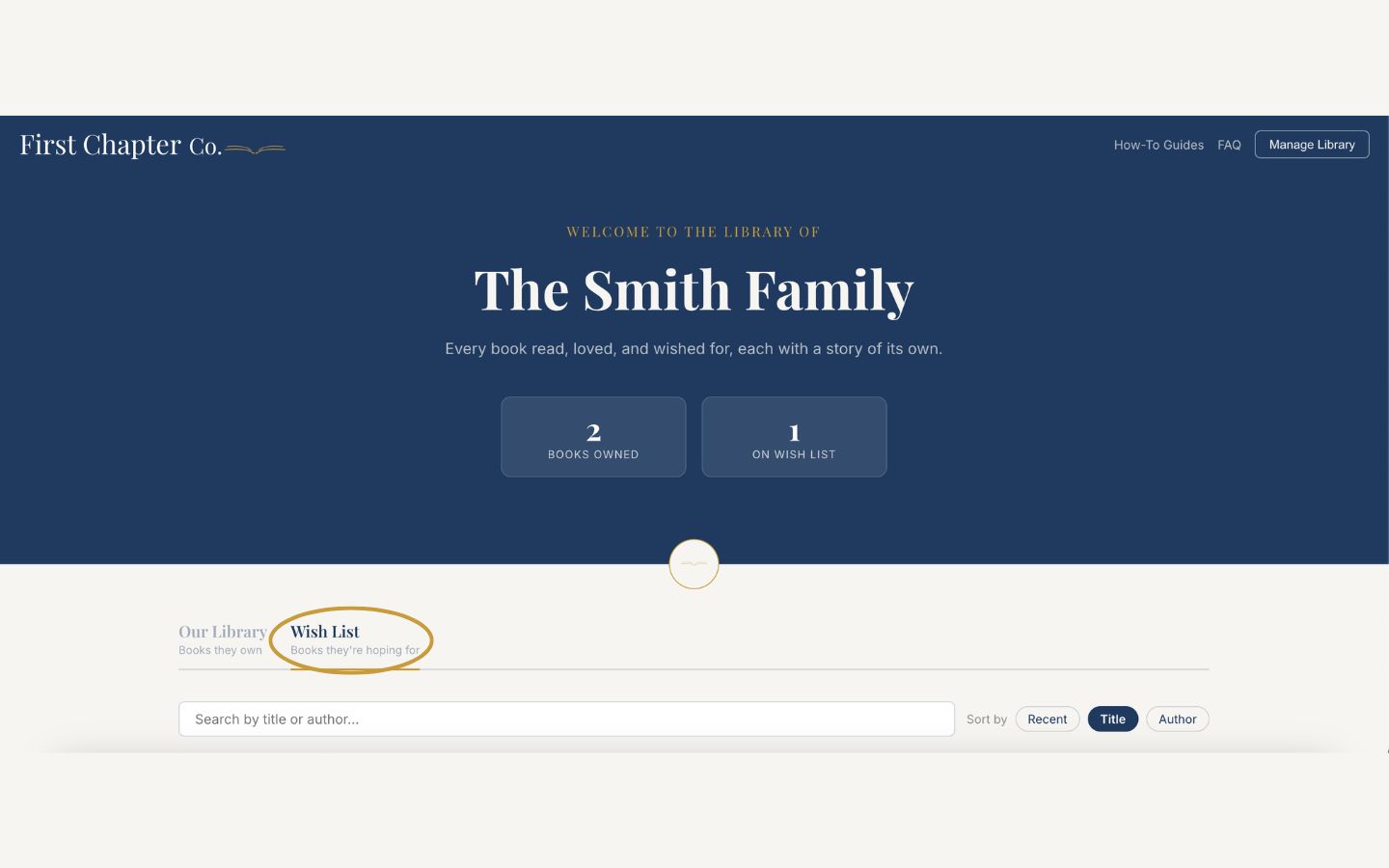
Use the search bar, or the age filter, to narrow a long shelf down to one child's age range.
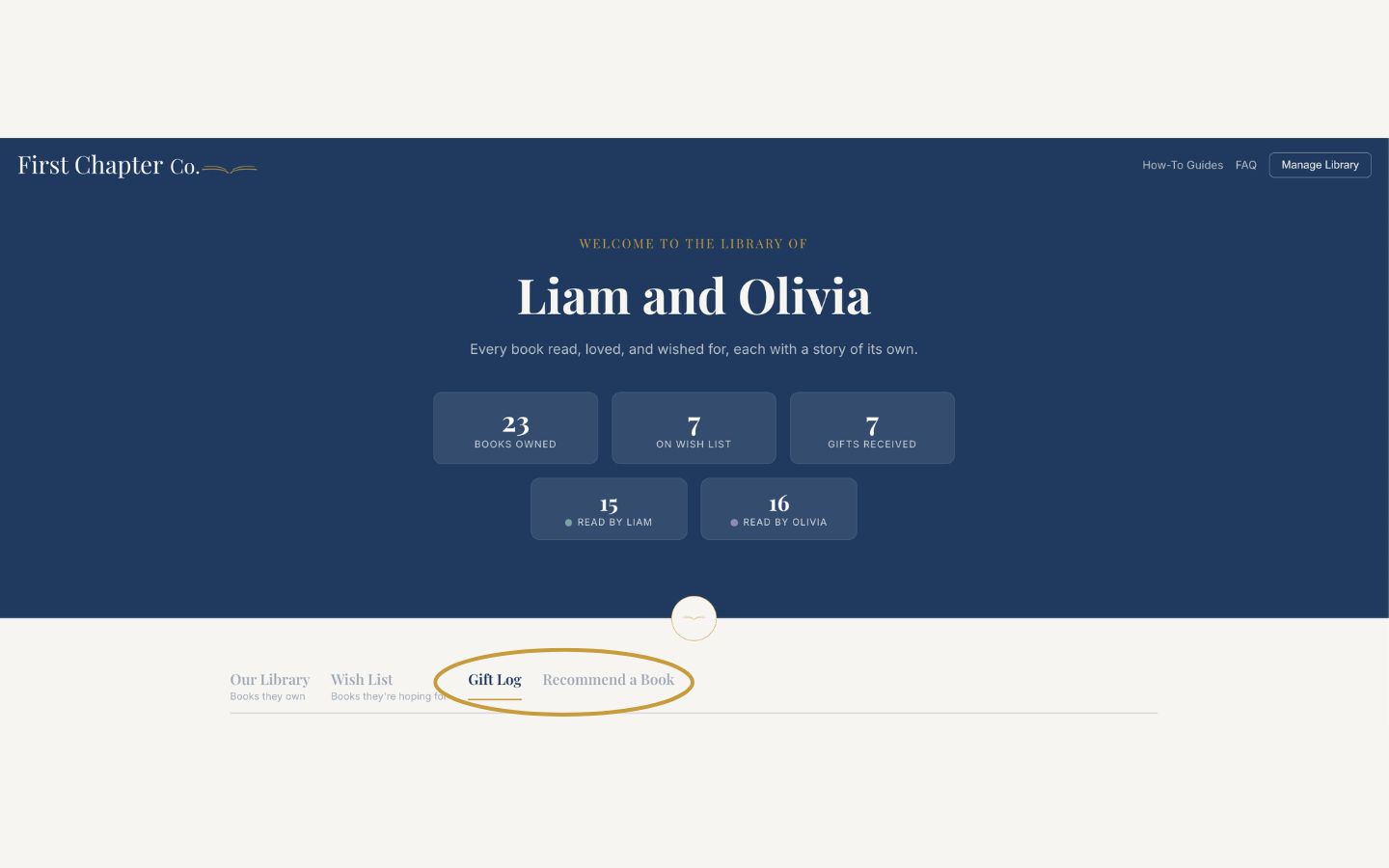
Some families also have a "Gift Log" tab, for recording a book you gave them, and a "Recommend a Book" tab, for suggesting a title they might love. Both have their own guides back on the How-To Guides page.
Good to know
Save the link. It never changes, so the same link works for every birthday and holiday from now on.