Gifts, Memories, and Settings
Viewing and Editing Your Gift Log
Browse your family's gift history and tidy up entries as a manager.
Full Story feature

This feature is part of the Full Story plan.
Your gift log is your family's memory book: every gifted title, who gave it, who it was for, the occasion, and the note they left. Here is how to browse and care for it.
1
Log in to your library.
2
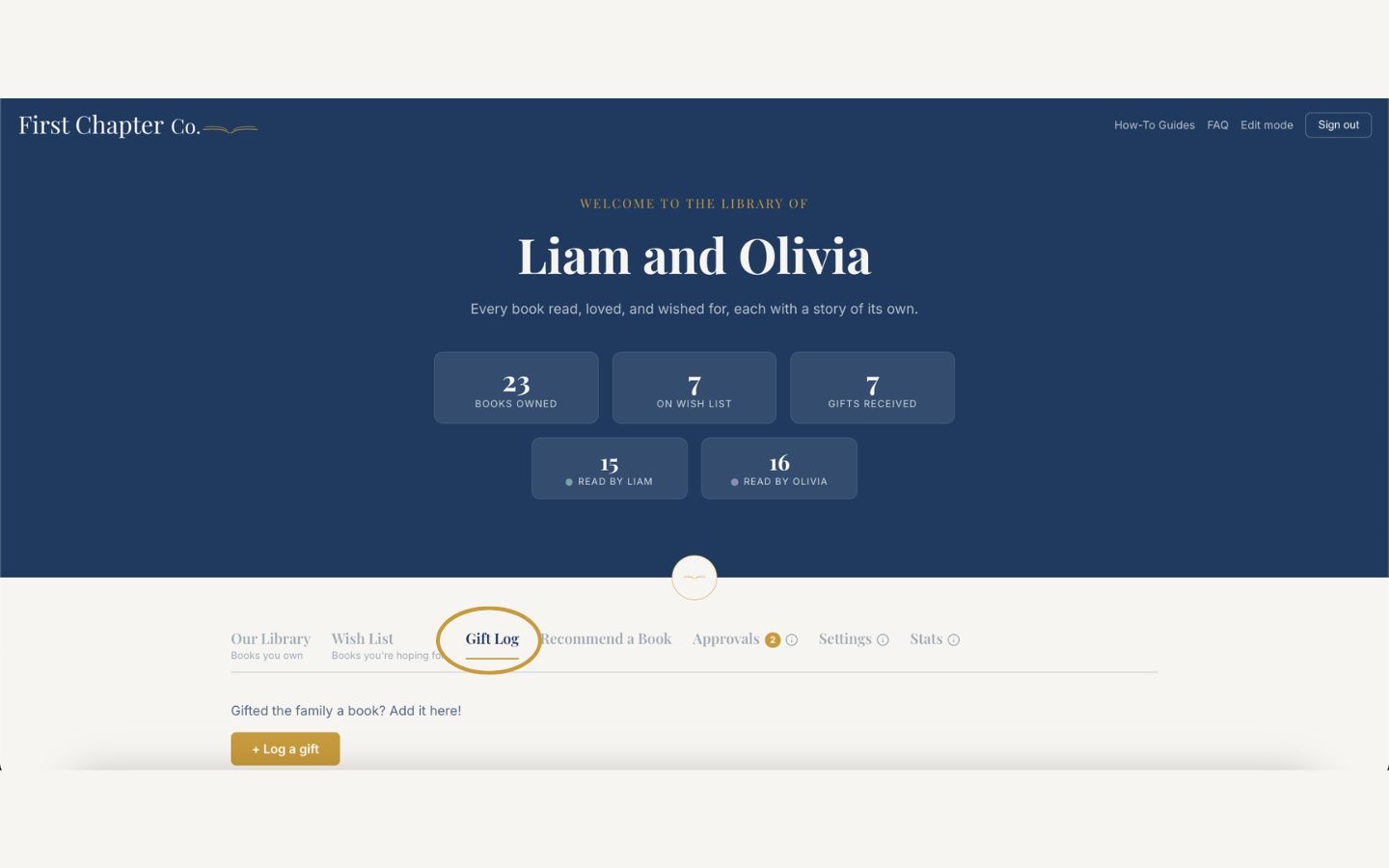
Open the Gift Log tab to see every confirmed gift.
3
Use the filters at the top to narrow the list by gift giver or occasion when it grows long.
4
To fix a detail, open an entry and choose Edit to update the title, giver, occasion, recipient, or note.
5
To remove an entry entirely, use its delete option and confirm.
Good to know
Visitors only ever see confirmed gifts. Anything still pending stays private to managers.