Setting Up Your Library
Updating Your Library Display Name
Change how your library name appears to visitors from your settings tab.

Your display name is the greeting visitors see, as in "Welcome to the Library of The Smith Kids." It can be changed anytime without affecting your link.
1
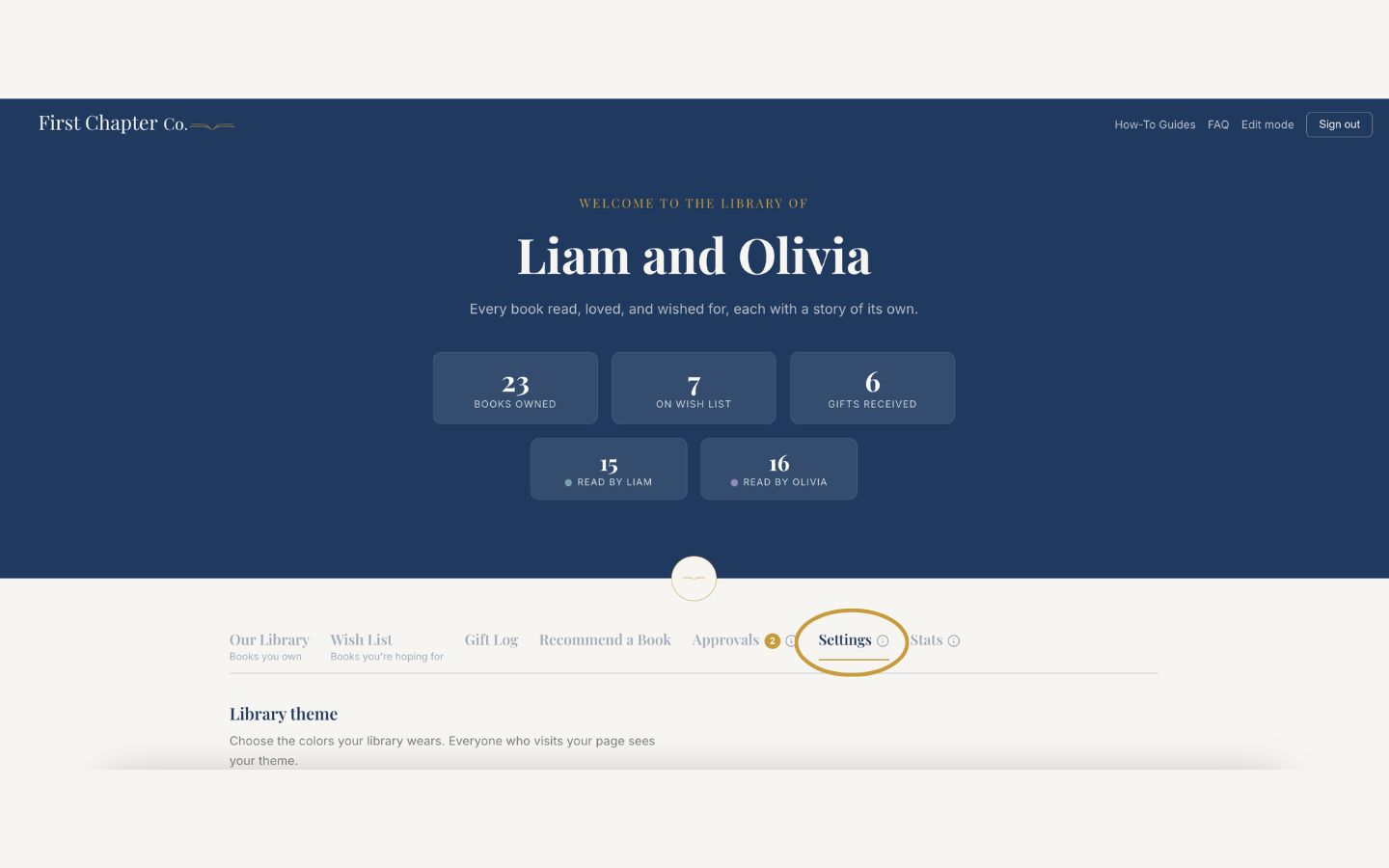
Log in and open the Settings tab.
2
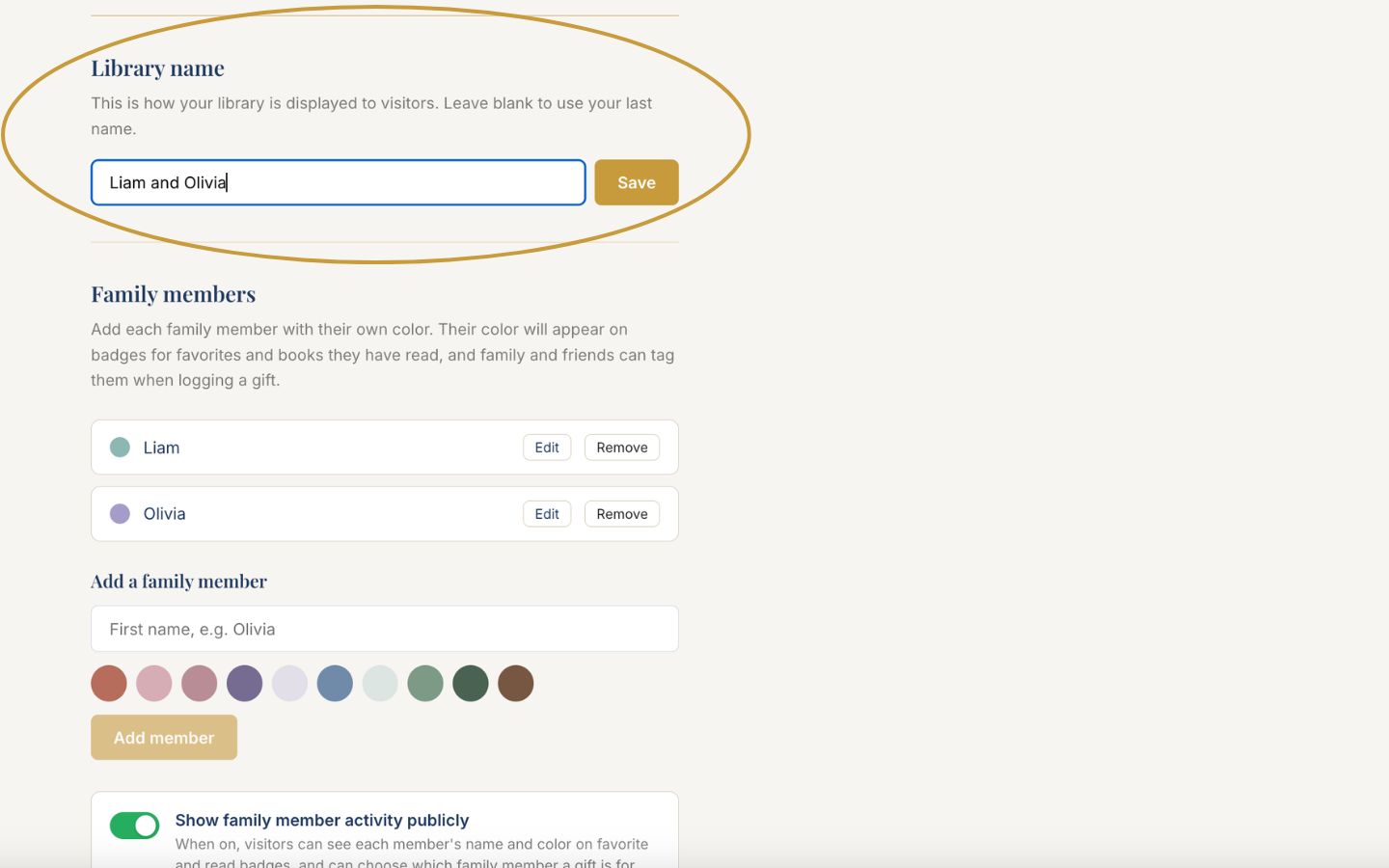
Find the display name field.
3
Type the new name and save. The change appears immediately for every visitor.
Good to know
Changing the display name never changes your family link, so everyone's saved links keep working.