Gifts, Memories, and Settings
What the Icons on a Book Mean
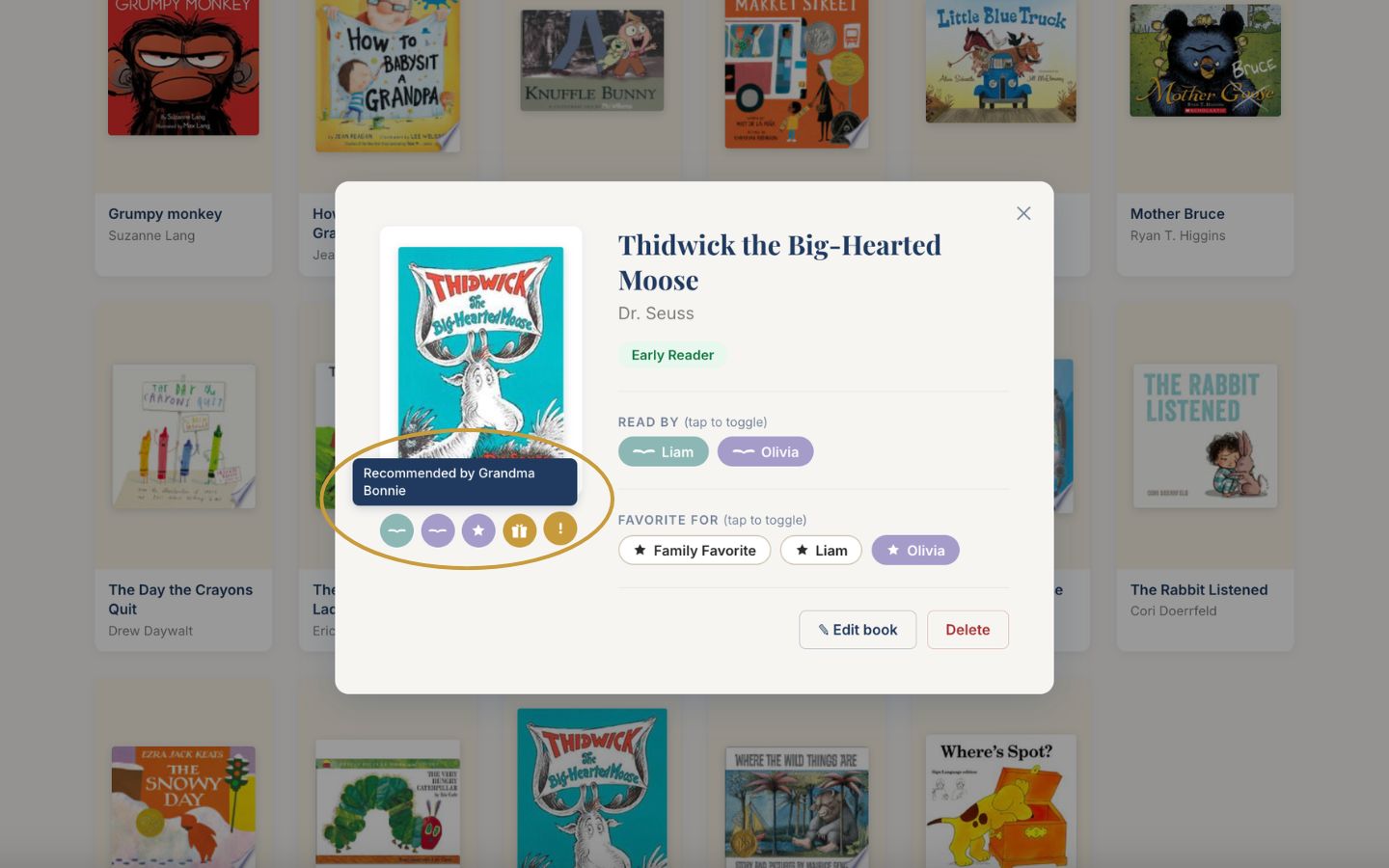
Small colored circles show a book's history: who read it, who loved it, and how it arrived.

This feature is part of the Full Story plan.
Open any book and you may see small colored circles beneath its cover. These are earned as your family uses the book, so a well-loved book slowly collects its own history.
Click any book to open its details.
Look beneath the cover on the left. Each circle stands for something the book has earned.
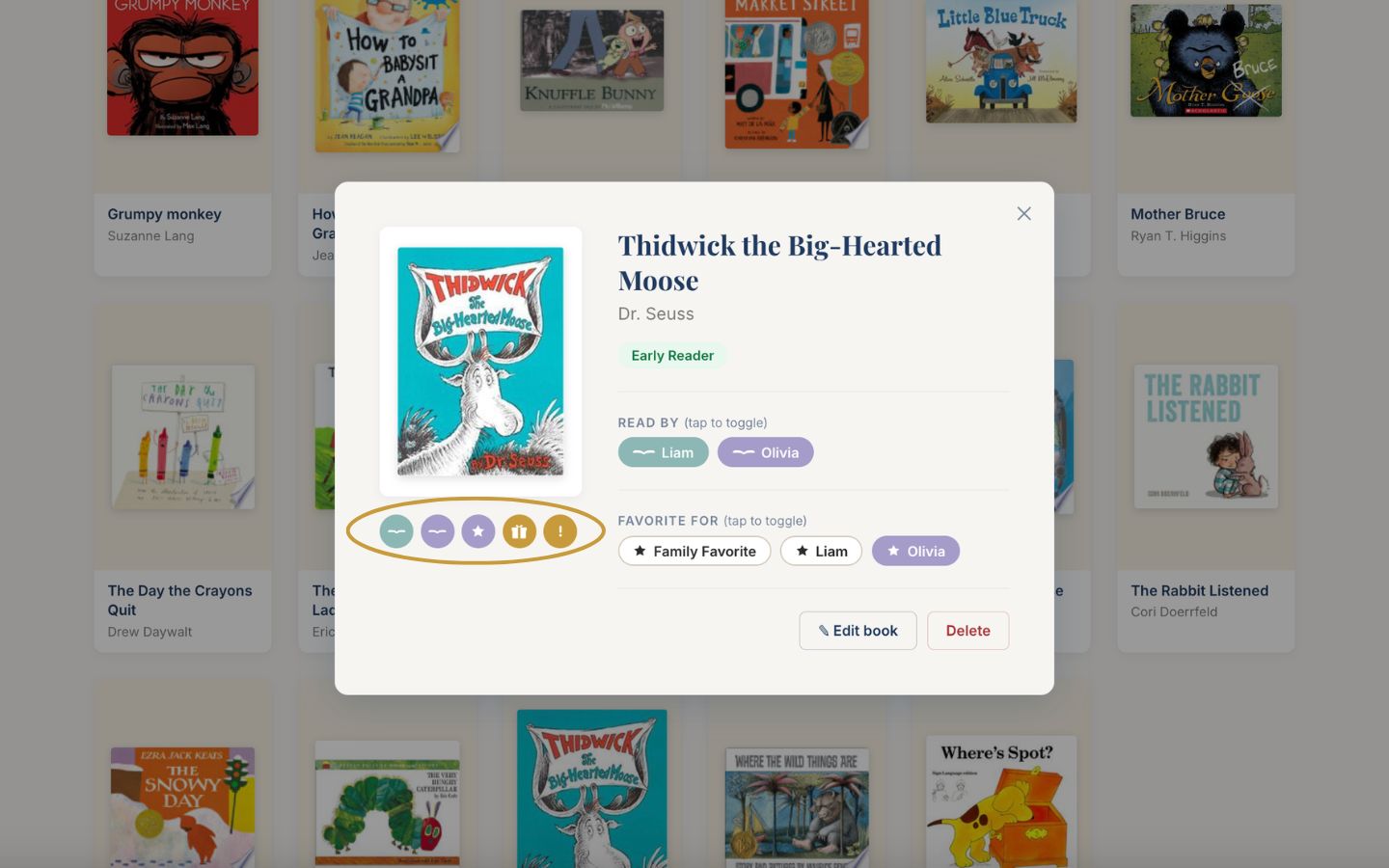
A book icon in a child's color means that child has read it. A star in their color means it is one of their favorites.
A gold star means the whole family marked it a favorite. A gold gift box means it arrived as a gift. A gold exclamation point means it started as someone's recommendation.
Hover over any circle to see the detail behind it, such as who gave the book and for what occasion. On a phone, tap the circle instead, then tap anywhere else to close it.