Managing Your Books
Removing a Book From Your Library or Wish List
How to delete a book from either shelf as a library admin.

Outgrown, doubled-up, or added by mistake? Removing a book takes seconds.
1
Log in to your library so you are in Admin mode.
2
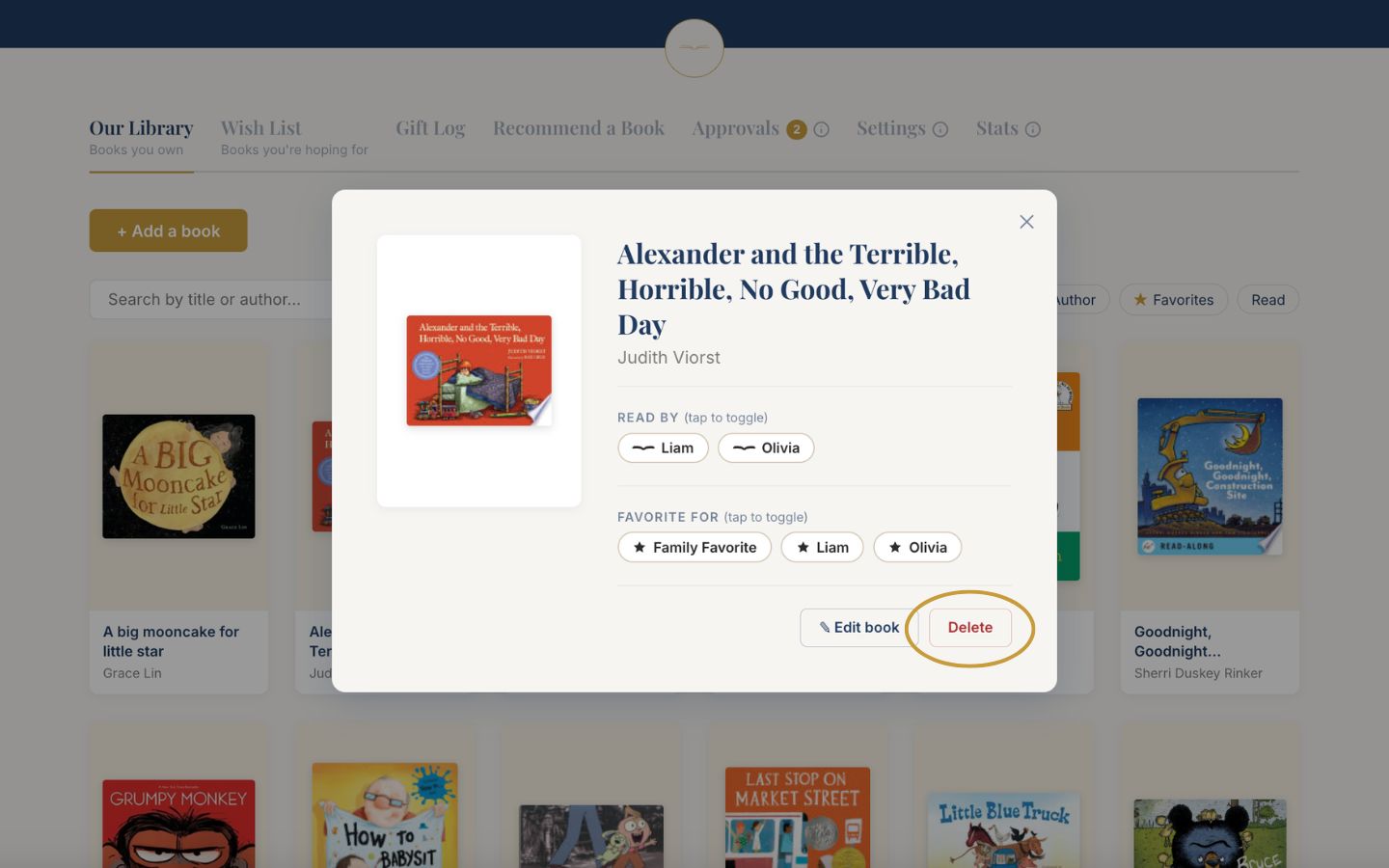
Click the book to open its details.
3
Choose Delete, at the bottom right of the book details.
4
Confirm in the dialog that appears. Removing a book cannot be undone, but you can always search and add it again.