Gifts, Memories, and Settings
Marking a Book as Gifted
Record a gift yourself as a manager and move the book from wish list to library.

This feature is part of the Full Story plan.
Anyone visiting the family page can mark a wish list book as gifted, gift givers included. As a manager you would use this when you are recording a gift on someone else's behalf, like a book Grandma handed over in person and will not be logging herself.
Log in to your library so you are in Admin mode.
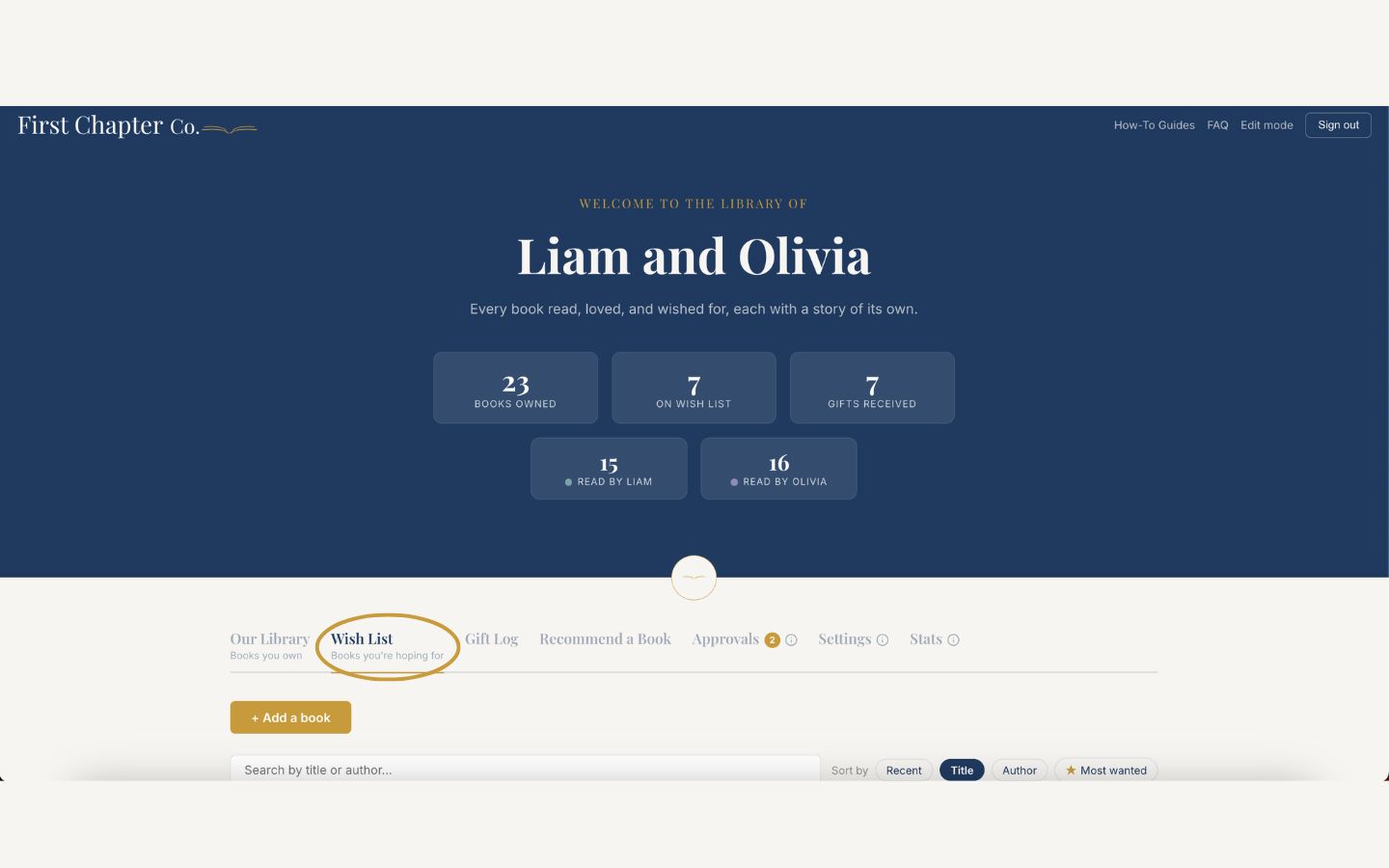
Open the Wish List tab and find the book that was gifted.
Click "Mark as gifted" on the book card.

Fill in who gave it under "Gifted by," and choose an occasion from the dropdown.
Under "For," tap the name of each child the gift was meant for. This is optional, and you can tap more than one.
Add a note if there is a story worth keeping, then click "Mark as gifted" to save.
The book leaves the wish list and waits in your Approvals tab. Open Approvals and click "Confirm received" to finish.
Good to know
Every gift goes through that same confirmation step, whether you recorded it or a gift giver did. It is your chance to check the book actually arrived before it joins the shelf.