Setting Up Your Library
Logging In to Manage Your Library
How to sign in to your library using a magic link, with no password required.

There are no passwords at First Chapter Co. You sign in with a magic link sent to your email.
From your own family page (getfirstchapterco.com/your-family), click "Manage Library" at the top right. Starting from our homepage instead? Click "Log in" there. Either route works.
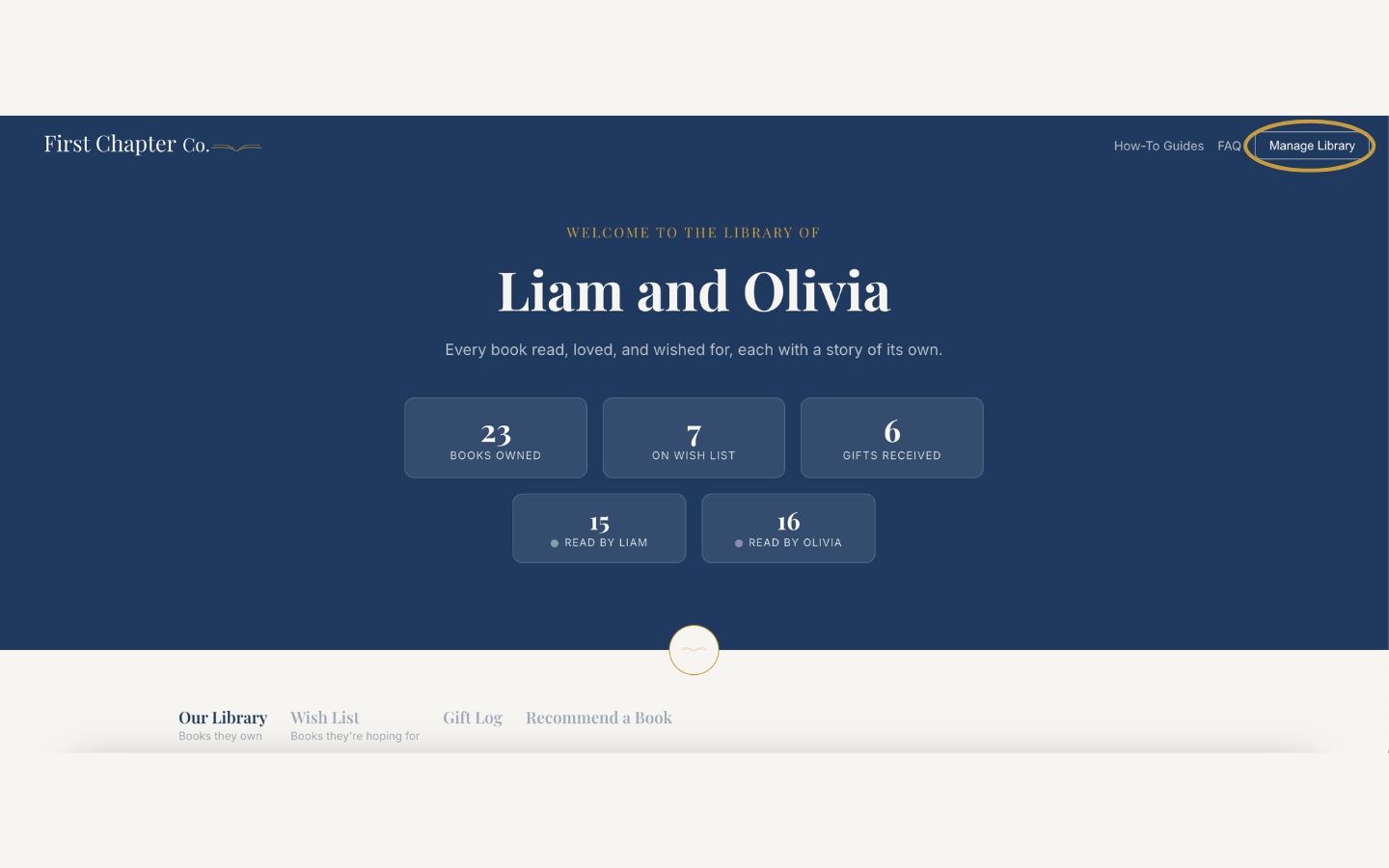
Enter the email address you signed up with, or the one that was added as a manager.
Check your inbox for an email from First Chapter Co. and click the sign-in link inside.
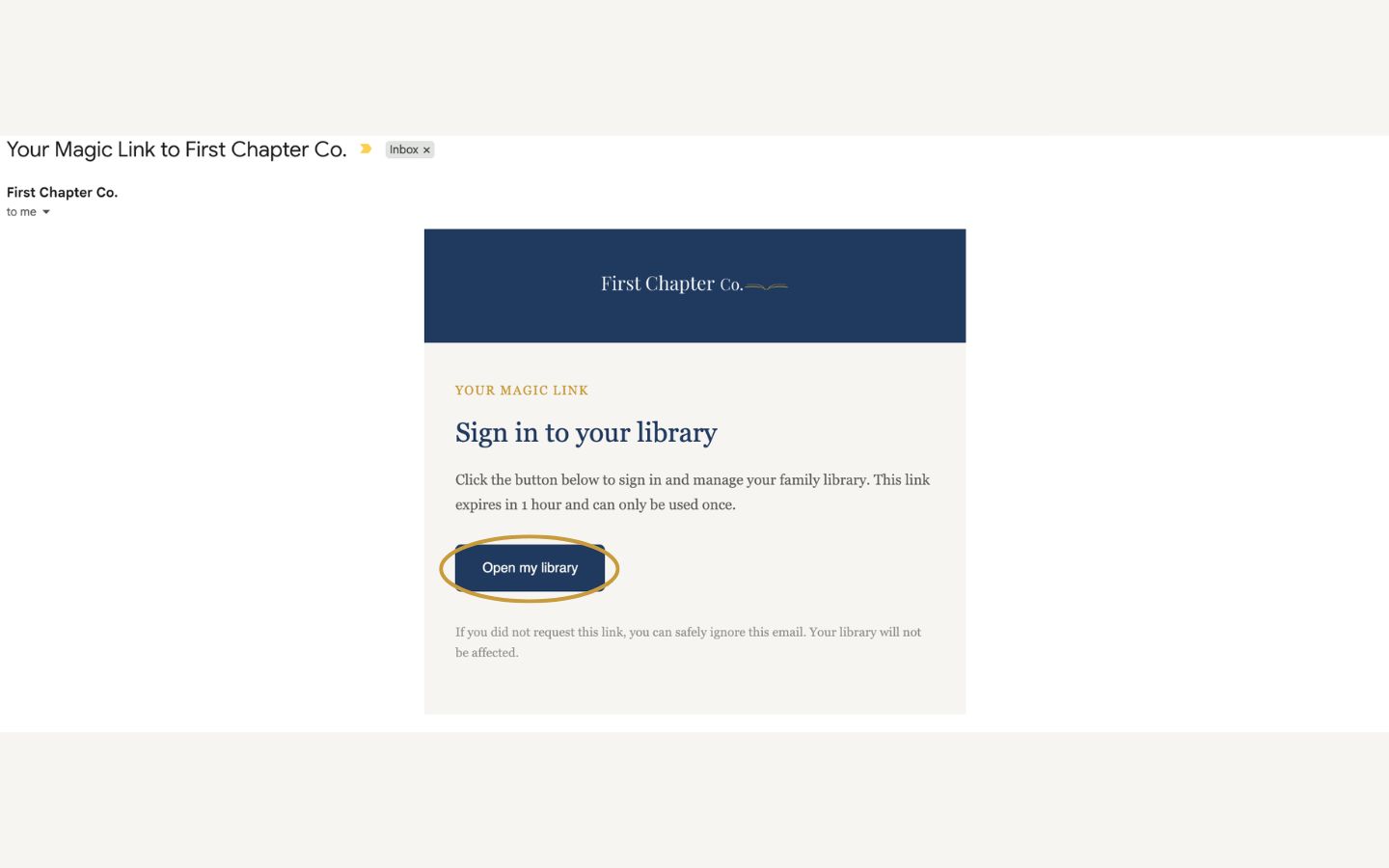
You will land back on your library in Admin mode, ready to manage.
Good to know
Magic links are single-use and expire after a short while, so if one does not work, just request a fresh one. The two routes differ in one small way: your family page signs you in to that library, while the homepage finds your library from your email address.