Managing Your Books
Editing Book Details
Update a book's title, author, age range, or shelf after it has been added.

Any detail of any book can be updated after it is added.
1
Log in to your library so you are in Admin mode.
2
Click the book you want to change to open its details.
3
Choose Edit, at the bottom right of the book details.
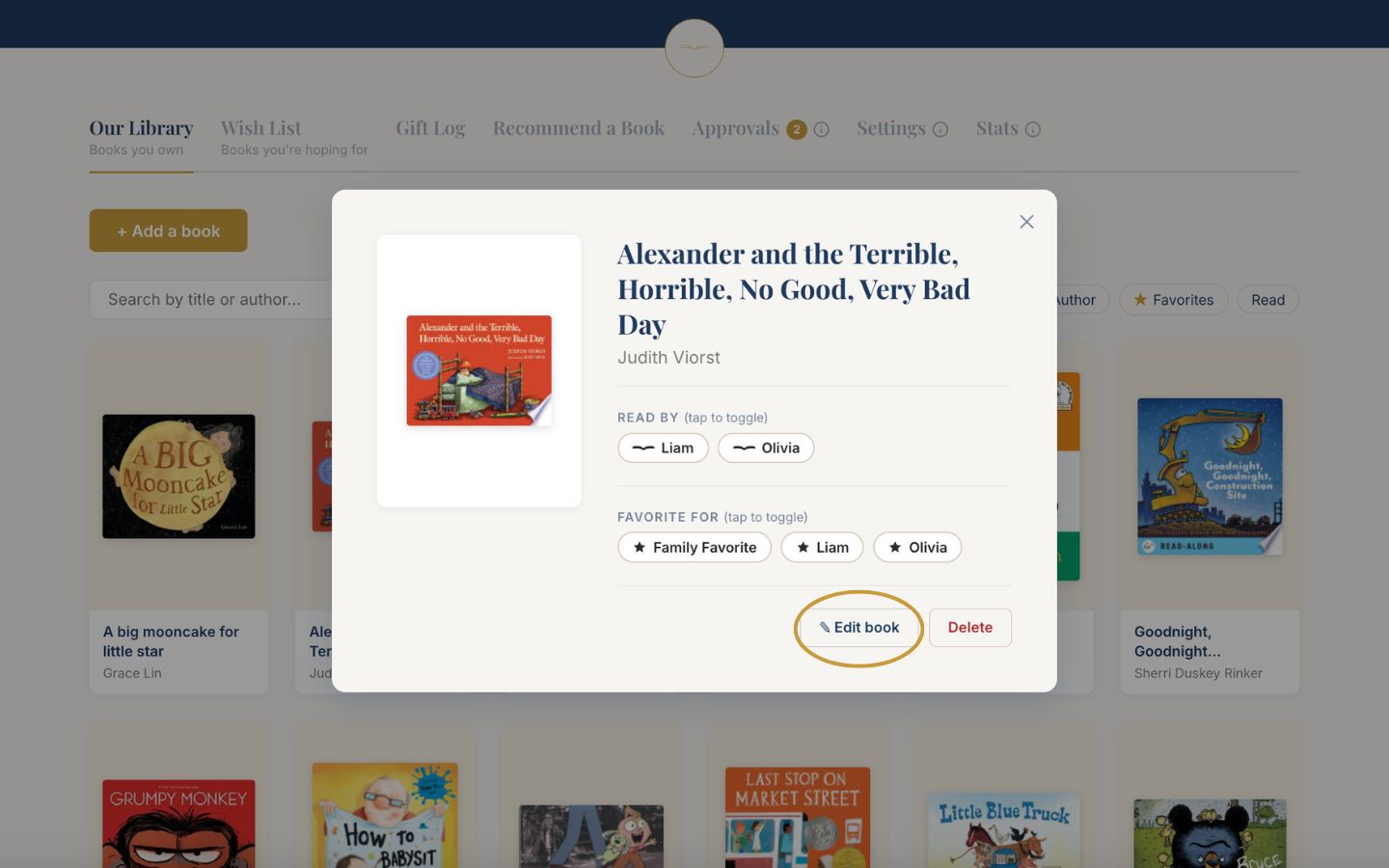
4
Update the title, author, cover, age range, or notes.
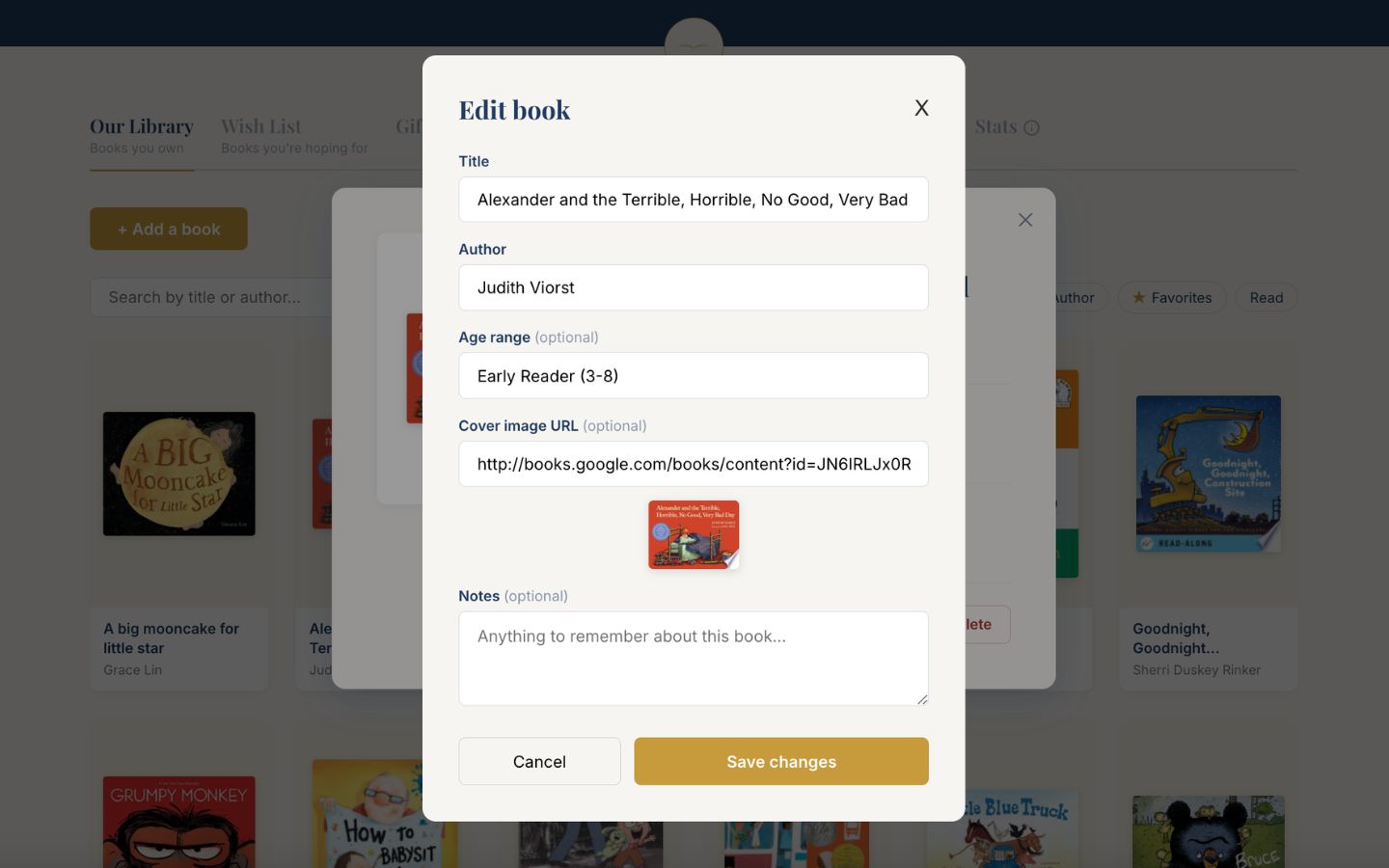
5
Save. Your changes appear immediately for everyone who visits.
Good to know
The notes field is a lovely place for memories: "the one she asks for every night" tells a gift giver more than any description could.