Gifts, Memories, and Settings
Confirming a Gift Was Received
Review logged gifts and confirm them to add the book to your library.

This feature is part of the Full Story plan.
When someone logs a gift on your page, it waits in a pending queue until you confirm it. This is your chance to check that the book actually arrived before it joins your shelf.
Log in to your library.
Open the Approvals tab. Pending gifts appear under "Pending gifts" with the book, the giver's name, who it was for, the occasion, and any note they left.
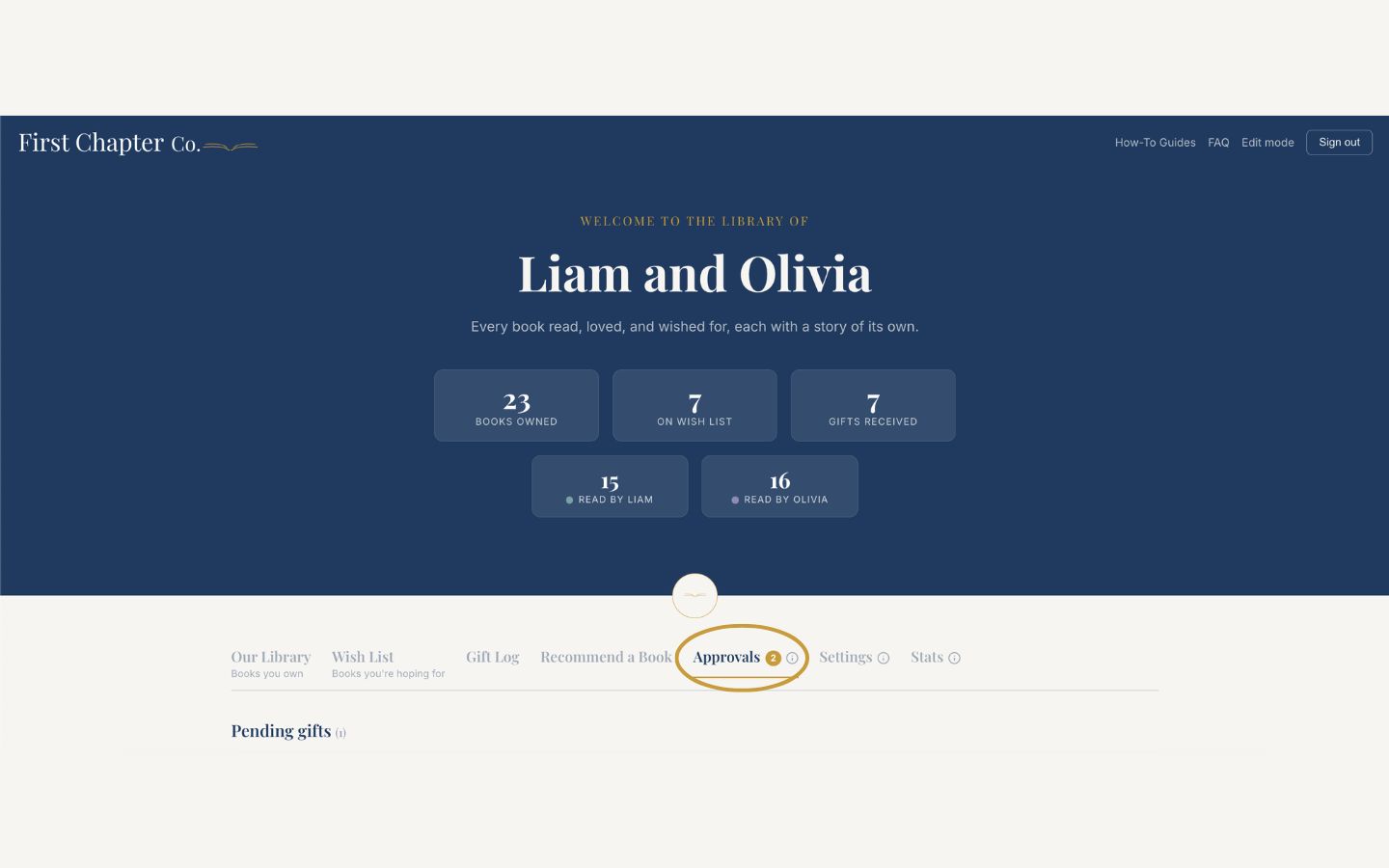
Click "Confirm received" to accept it. The book joins your library shelf, and if it was already on your wish list, it moves over automatically.
Click "Dismiss" to remove an entry that does not belong, like a duplicate or a mistake.
Good to know
The giver's name, the occasion, and their note are saved onto the book itself, so years from now you can open any book and remember exactly who gave it and why.