Gifts, Memories, and Settings
Adding or Removing a Library Manager
Give another trusted adult admin access, or remove it, from settings.

This feature is part of the Full Story plan.
Two parents, a grandparent who loves the project, anyone you trust: on the Full Story plan your library can have more than one manager. Chapter One libraries have a single manager, and the settings list is read-only.
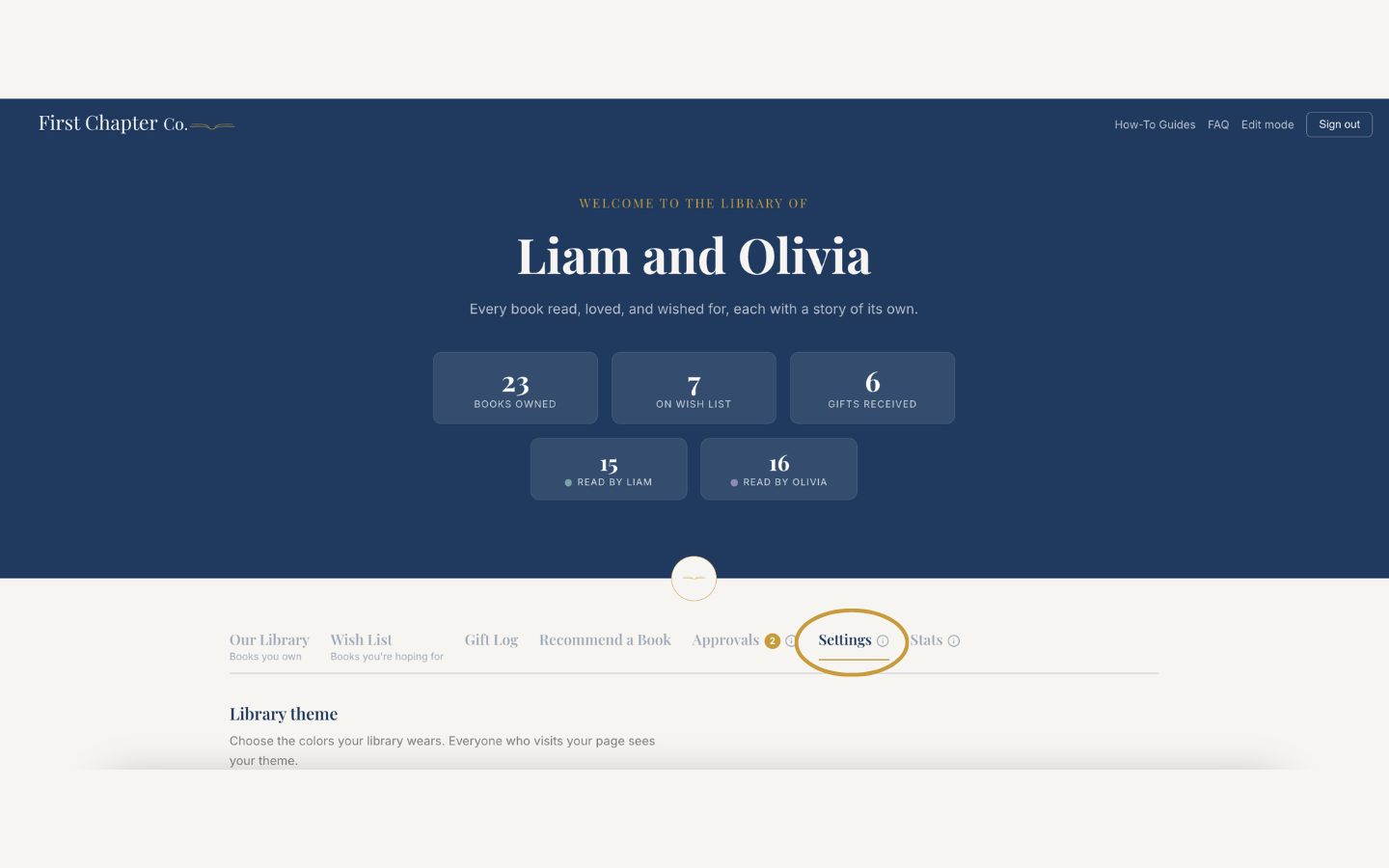
Log in and open the Settings tab.
Find the managers section and enter the new manager's email address.
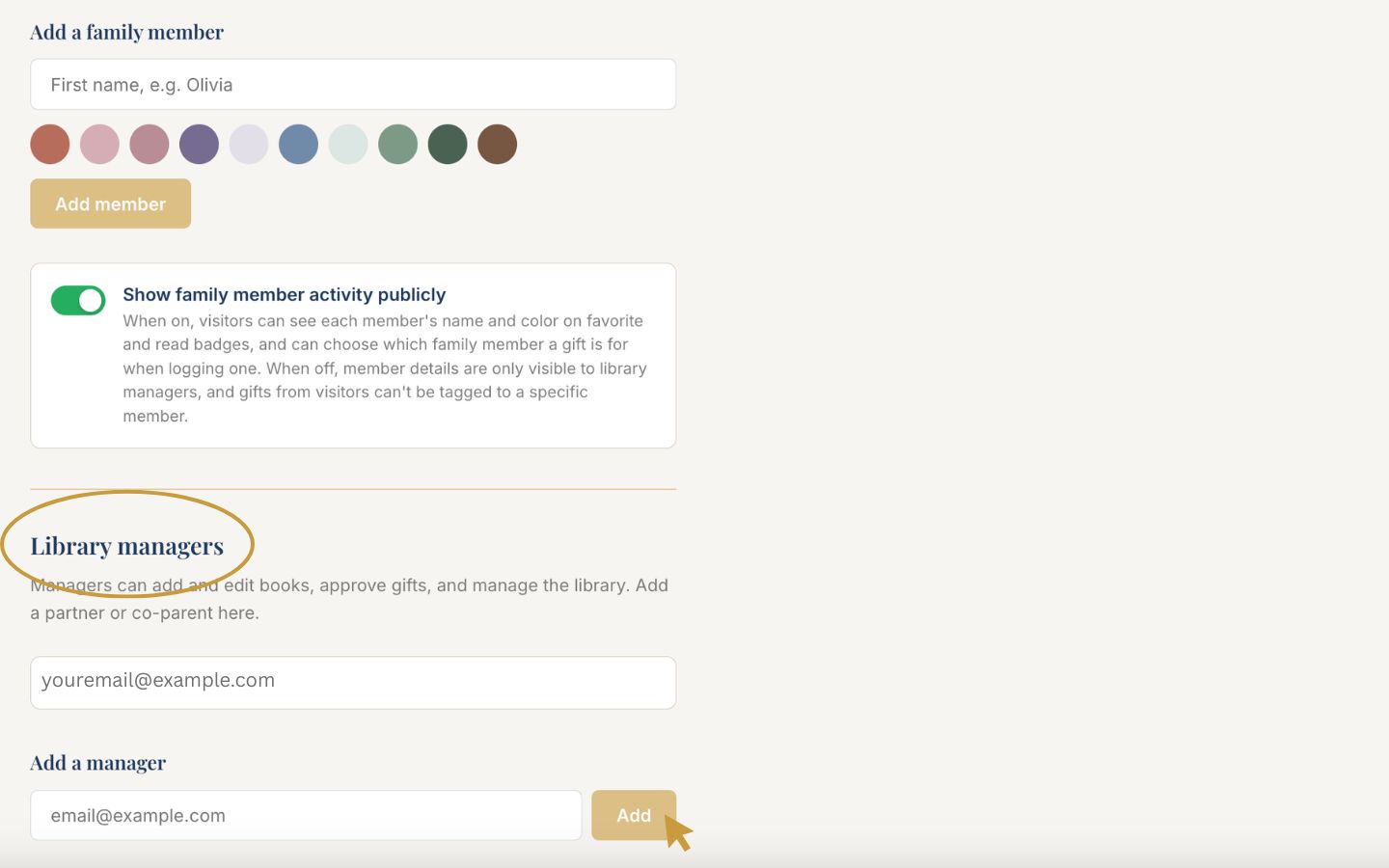
Add them. They will receive an invite email, and from then on they can log in with a magic link sent to their own email.
To remove a manager, use the remove option next to their email in the same list.
Good to know
Managers have full access, including the ability to add and remove other managers, so only add people you trust completely. A library must always keep at least one manager.